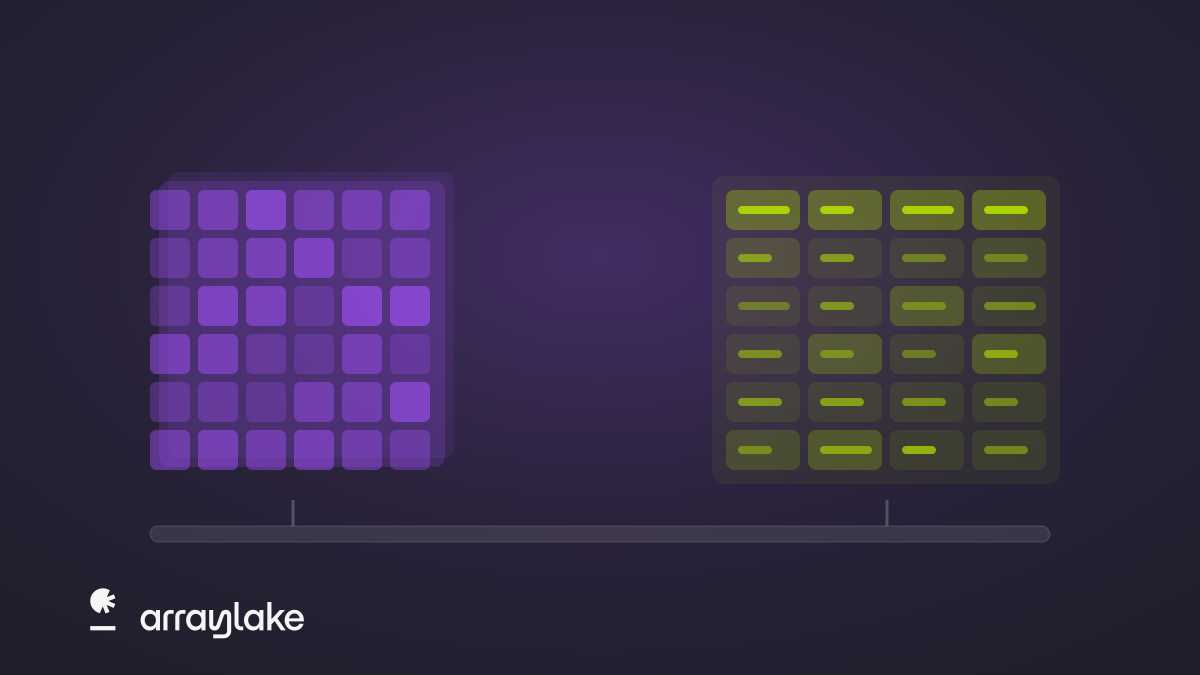
Science data comes in tables and tensors
Apache Iceberg comes to Arraylake. Tables now live alongside Icechunk arrays in the same catalog, under the same permissions, in your own buckets — queryable from DuckDB, Spark, Trino, Snowflake, and Zax-SQL.
product · compute
Stop wasting time downloading data. Earthmover's data-proximate managed compute services are the fastest way to get insights from big scientific datasets in the cloud. Built for both research and operational workloads.
the problem
Scientific datasets are measured in terabytes and petabytes. Inside a cloud region, compute reads that data at enormous throughput. Over the internet — to a laptop, a notebook server, or an on-prem cluster — the same bytes squeeze through a link that is orders of magnitude slower. Every byte that leaves the cloud is billed as egress.
download, then compute locally
Slow — hours of downloading before the analysis can even start.
Expensive — egress charges on every byte that leaves the cloud.
Duplicated — local copies that go stale and multiply across a team.
the solution
Data-proximate compute flips this around: do the heavy, I/O-intensive work in the cloud, right next to the object store, and send back only the result — a table, a map tile, a timeseries.
Earthmover makes it easy to deploy data-proximate compute services connected to your Arraylake data. We handle deployment, orchestration, scaling, auth, and security. You focus on the science.
data-proximate compute
Fast — heavy reads run at in-region throughput, with no download standing between you and the answer.
Cost-effective — only the result leaves the cloud, so egress shrinks to the size of the answer.
Single source of truth — everyone queries the same governed dataset, with no local copies to go stale.
services
Compute takes different shapes depending on the workload: we call these different services. Some services, like tiles, are aimed at low-latency operational workloads (e.g. serving maps). Others, like Zax-SQL and OpenEO, support long-running analytical queries. You can deploy as many or as few services as you need to fit your needs.
Wherever possible, services speak standards-compliant open protocols, so you can connect with existing clients and applications.
Write locally, run remotely: full array workloads on Zax next to the data.
architecture
Every service runs on its own cluster, and you choose two things: a node size, from XS to 3XL, and a replica range, how many nodes the cluster may run. Scale up by picking a bigger node; scale out as traffic rises, up to 24 nodes, and back in as it falls; and scale to zero when a service sits idle, so an occasional workload costs nothing between uses.
Usage is metered in credits. Node cost is proportional to compute capacity, every service draws on the same pool, and you pay only for the nodes that are running. On Professional plans, keep a minimum of nodes warm for always-on services that can’t wait for a cold start.
 Jupyter notebook
 zax
Managed Compute services runs on Zax, the query engine we're building for multidimensional chunked arrays. Written in Rust, Zax plans a query the way a database does, but in multidimensional space: it works out which chunks the query touches, schedules I/O against the data's layout in object storage, and sizes the work to the resources available. Zax makes managed compute services reliable, fast, cost-effective.
bring your own compute
Managed Compute is optional. Your data stays in open formats in your own bucket — arrays in Icechunk, tables in Apache Iceberg — so the tools you already run read and write it directly, with Arraylake vending the credentials. Open a repository with Xarray or Zarr, stream it into a PyTorch training loop, or point DuckDB, Spark, Polars, or Snowflake at the Iceberg REST catalog.





 and more
 from the blog
Apache Iceberg comes to Arraylake. Tables now live alongside Icechunk arrays in the same catalog, under the same permissions, in your own buckets — queryable from DuckDB, Spark, Trino, Snowflake, and Zax-SQL.

We're introducing Zax, a new query and compute engine for multidimensional scientific data, and Zax-SQL, the first interface to it. Zax plans your computation for you, so you are no longer responsible for tuning chunk sizes, worker counts, and memory limits.

A joint post from Earthmover and Hugging Face on running open-source AI weather forecasting models like Aurora using free ERA5 data from the Earthmover Marketplace — with a live demo space and a full local tutorial.
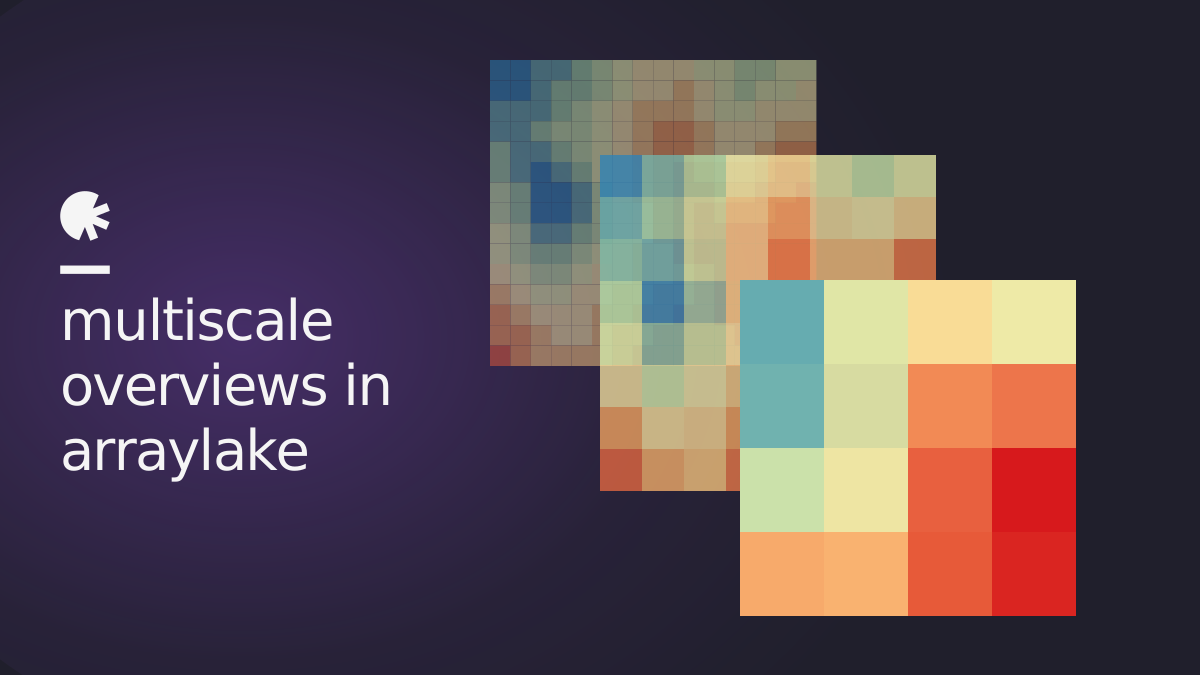
Overviews, Multiscales, and Pyramids—oh my! We’re introducing multiscale support across Arraylake and Flux Tiles, powered by GeoZarr conventions. This post bridges the product and the data pipeline: how Flux uses precomputed overviews for efficient multiscale visualization, and how to generate those overviews so your datasets can take advantage of this capability.


How we built a Slack bot that alerts our team when it's snowing at their location, using Earthmover's Marketplace and Flux APIs to skip the data pipeline entirely.
where compute sits
Humans and agents
Same interfaces, same permissions
Powered by Zax tensor query engine
Bring Your Own Compute
Read and write the open formats directly
and more Data catalog and governance
Exchange for scientific data
Zarr-compatible open tensor format
Apache Iceberg
Industry-standard open table format
Open source, in your own bucket — readable with or without Earthmover.
Bring your own bucket
Or use storage we manage for you







 generic S3-compatible