Product Announcement: Teams in Arraylake

Head of Product

Staff Engineer
We’re excited to announce the launch of a long-requested feature: Teams in Arraylake!
As our customers have grown with us, our needs have matured together. Orgs that started as a couple of scientists sharing a repo are now cross-functional groups — data engineers, scientists, analysts — plus a fleet of API keys powering production pipelines. At that scale, managing access one user and one key at a time stops making sense. Our Teams feature brings access management up to the level your org actually works at: the group.
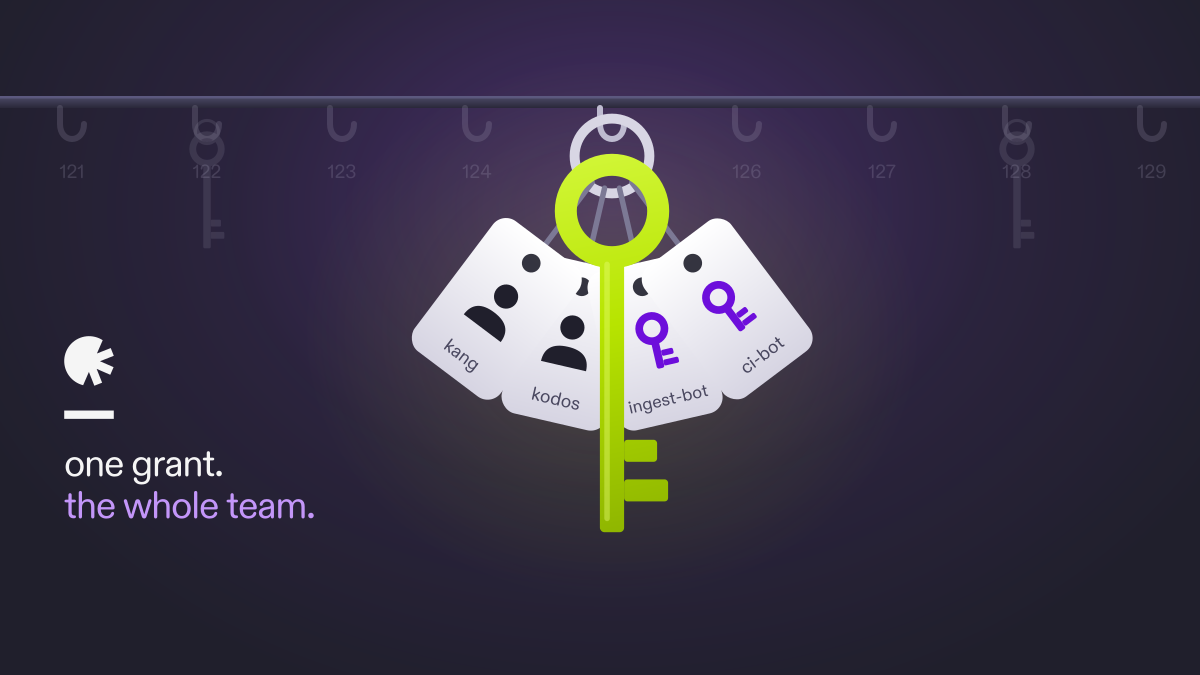
One grant, shared by the whole group
A team is a group of principals in your org — users and API keys. Grant a role to the team, and every member inherits it. Remove a member, and that access is gone everywhere the team granted it. One place to see who can touch what.
For example, your World Domination working group hires a new scientist, Kang, and wants to grant them the correct level of access to all the science team’s repos: read-only privileges for the “earth” repo, write privileges the “rigel-xii” repo, and no privileges for the “sun” repo. With the new Arraylake Teams feature this is as simple as adding them to the “World Domination” team.
By the same token (har har), removing a role from a team removes that access permission for all team members. Roles granted to individual principals are untouched, so your existing grants keep working exactly as before.
So if, for example, Kang and Kodos have read-only access to the “earth” repo, adding them to the “World Domination” team and granting the team write permission to the “earth” repo means that both Kang and Kodos will now be able to write to “earth”. Removing Kang or Kodos from the “World Domination” team — or deleting the team entirely — will instantly revoke their write privileges to the “earth” repo.
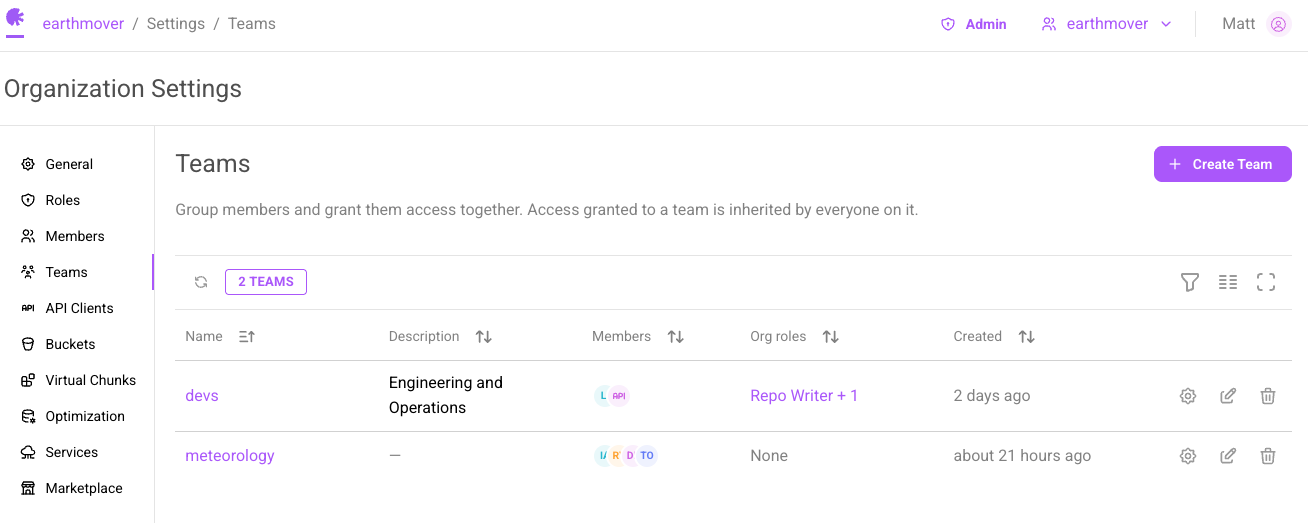
Creating a team takes about a minute: head to Org Settings → Teams, name your team, add members, and grant roles on the team’s Roles tab. Roles can be org-scoped or repo-scoped, fine-grained down to specific repos. The docs have the full walkthrough.
What this unlocks
- Onboarding: add the new hire to the team and they have everything the team has. One step.
- Offboarding: remove them, and access is revoked everywhere the team granted it.
- API keys are first-class team members, managed exactly like people. No special path, no separate audit.
- Fewer one-off grants means a clear, current answer to “who has access to this?”
Set up your first team
Teams is available now for paid accounts in Org Settings for org admins. If you’re new to roles in Arraylake, start with the roles and permissions primer, then open your org settings and create your first Team!
Head of Product
Staff Engineer